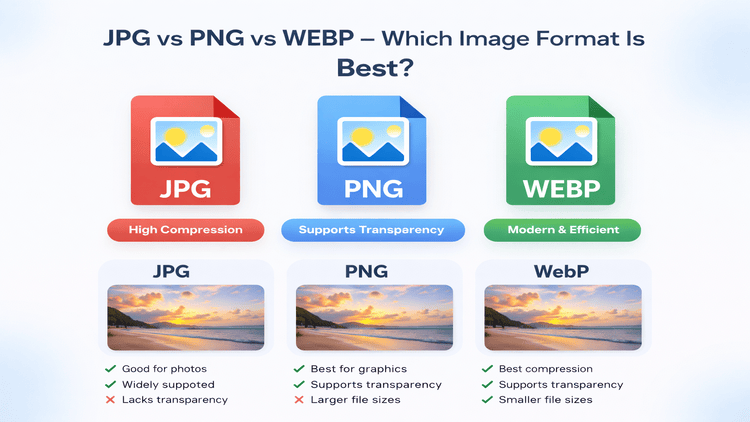
JPG vs PNG vs WEBP – Which Image Format Is Best?
Choosing the right image format plays a major role in image quality, file size, and website performance. JPG, PNG, and WEBP are the most commonly used formats today, but each serves a different purpose. Understanding their differences helps you make better decisions for websites, social media, and digital content.
What Is an Image Format?
An image format defines how image data is stored and displayed. Different formats use different compression methods, which directly affect file size, quality, transparency, and compatibility.
JPG (JPEG) Explained
JPG is one of the most widely used image formats on the web.
Advantages:
- Small file size
- Ideal for photographs
- Supported by all devices and browsers
Disadvantages:
- Does not support transparency
- Quality reduces with repeated compression
Best use case: Website photos, blog images, social media posts.
PNG Explained
PNG is known for high-quality graphics and transparency support.
Advantages:
- Lossless compression
- Supports transparency
- Sharp text and graphics
Disadvantages:
- Larger file size
- Not ideal for photos
Best use case: Logos, icons, UI elements.
WEBP Explained
WEBP is a modern image format developed for better compression.
Advantages:
- Smaller file size than JPG and PNG
- Supports transparency
- High visual quality
Disadvantages:
- Older browsers may have limited support
Best use case: Websites focused on performance and SEO.
Which Image Format Should You Use?
- Use JPG for photographs
- Use PNG for logos and text-based images
- Use WEBP for maximum performance
Conclusion
Each image format has its strengths. Choosing the correct format improves performance, quality, and user experience.